Klantensysteem Home > Kennisbank > WHMCS 5: End-user > 1. How to login to the client portal
1. How to login to the client portal
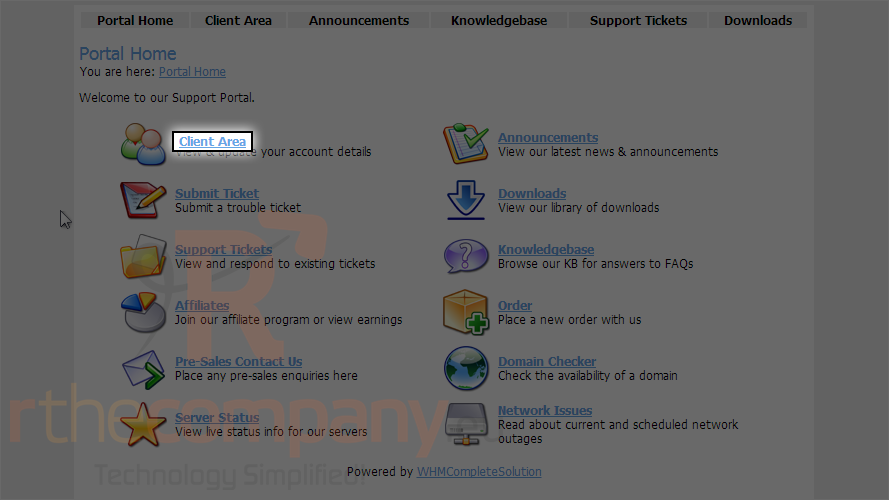
1) This is main page for WHMCS. To get login page, click client area link.
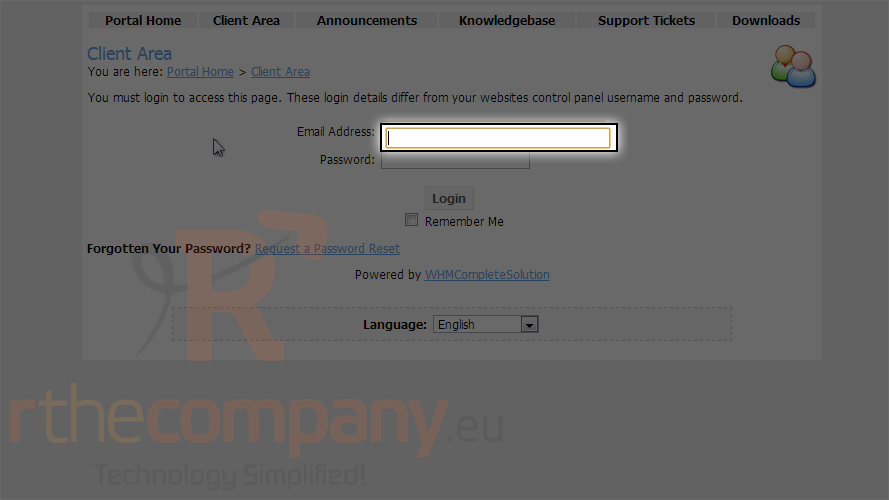
This is the login page for the client portal. Now let's learn how to login.
2) Enter your email address here.
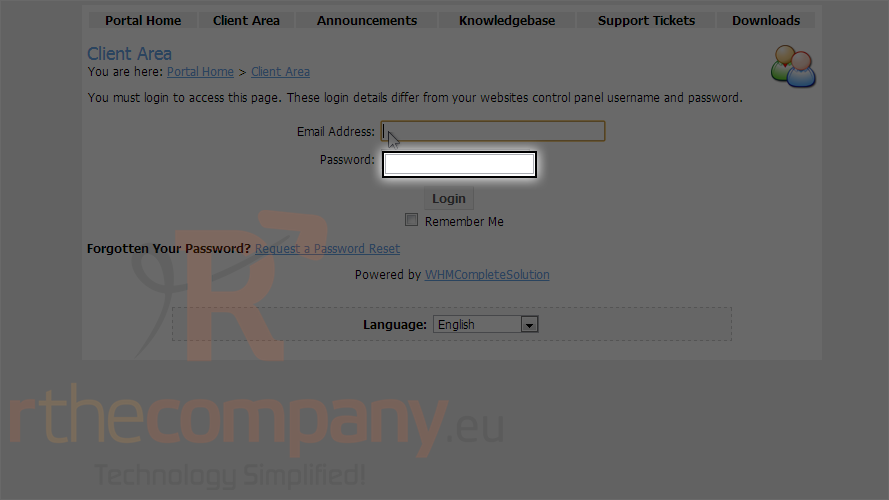
3) Then enter your password here.
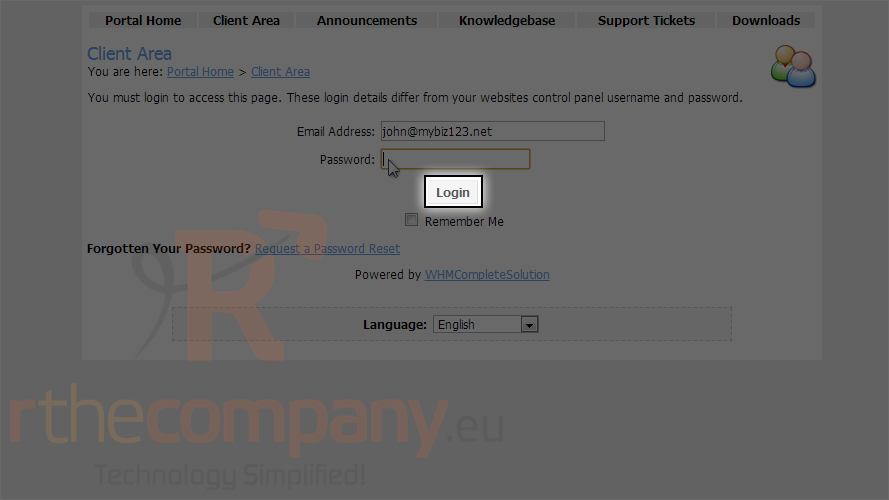
4) Click login.
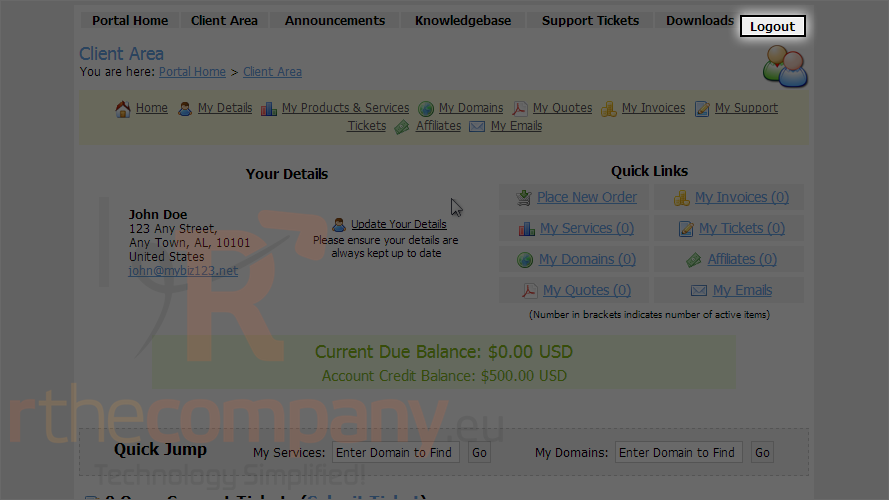
That's it! We are now logged in to the client portal and can begin managing our hosting services, invoices, etc.
5) When finished, click the logout link here.
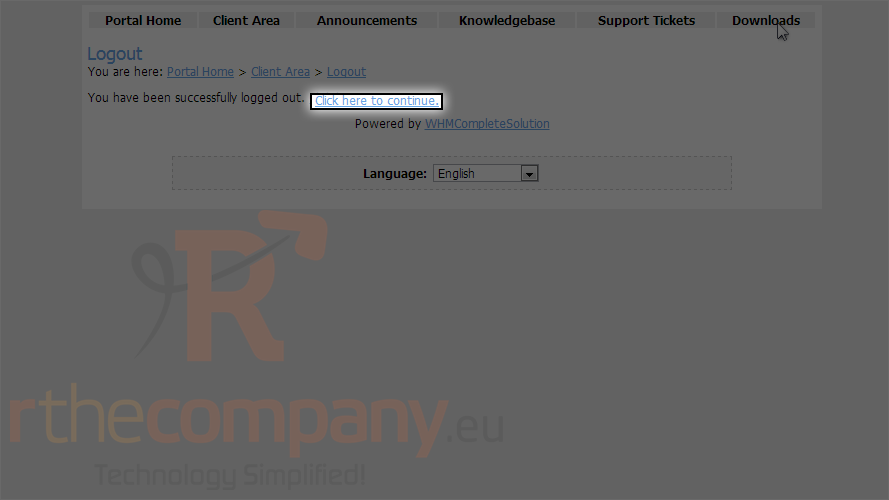
We are now logged out of the client portal.
6) Click the click here to continue link.
This is the end of the tutorial. You now know how to login to the client portal
 Aan favorieten toevoegen
  Print dit artikel