Почетна > База на знаења > WHMCS 5: Management > 4. How to place a new order for a client using WHMCS
4. How to place a new order for a client using WHMCS
This tutorial assumes you've already logged in to your WHMCS admin panel.
Now let's learn how to place a new order for a client.
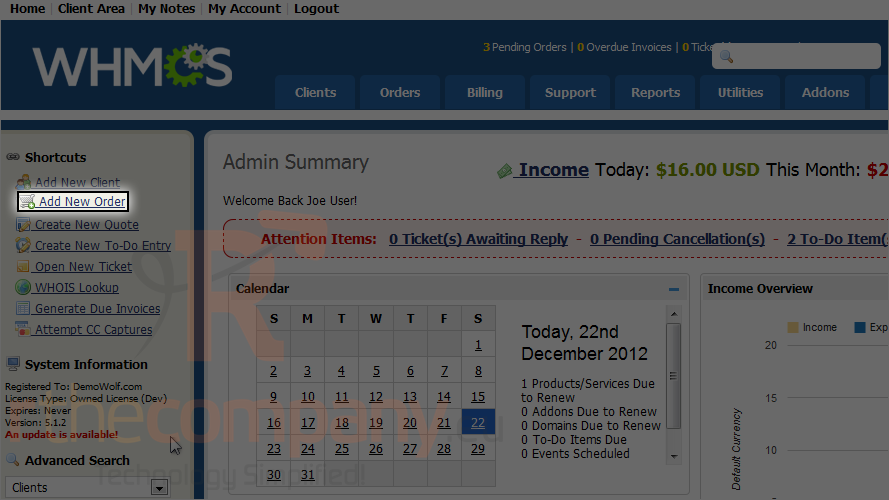
1) Click add new order.
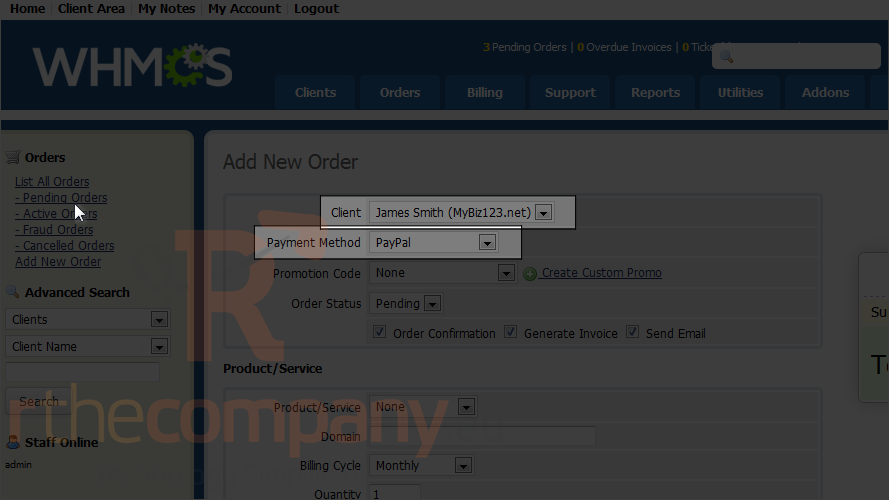
2) Select a client from the list.
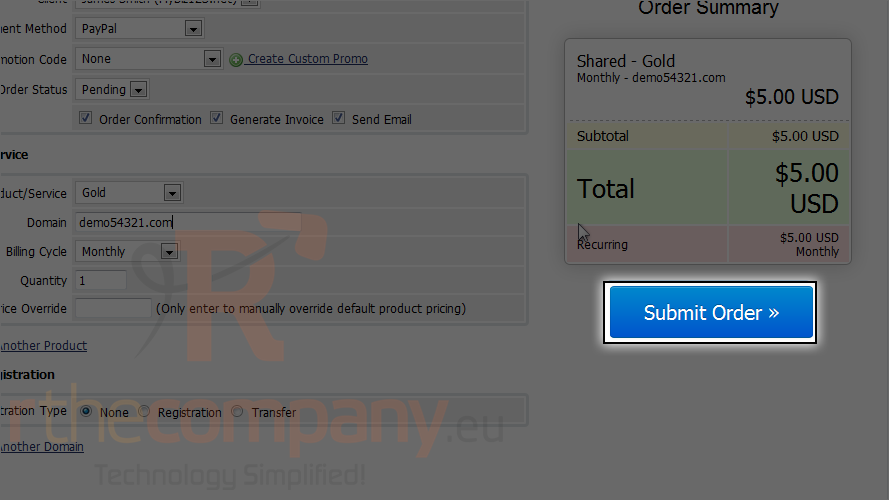
3) Select payment method.
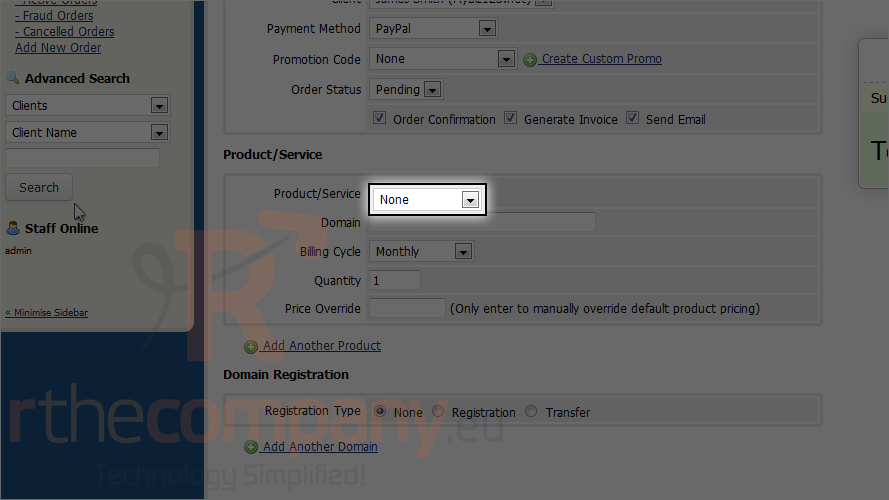
4) Choose the product/service this client will order.
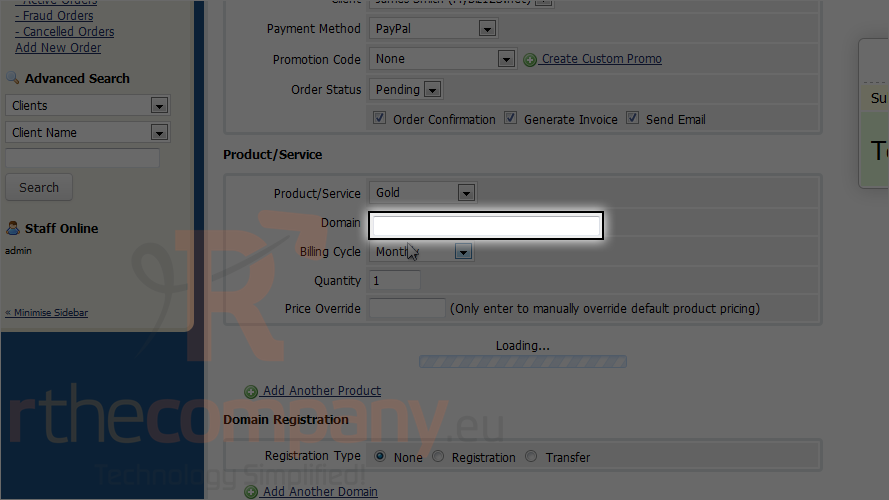
5) Enter the domain name.
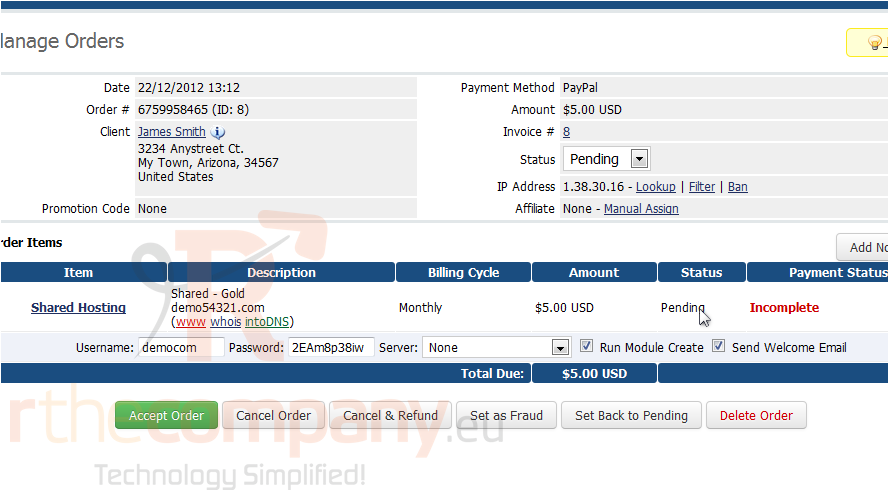
6) Click submit order.
An invoice for the order will be displayed.
That's it! You now know how to place a new order for a client in WHMCS!
 Додате го во листа на фаворитни прашања
  Испечати