客戶系統 > 知識庫 > WHMCS 5: Management > 7. How to create a billable item in WHMCS
7. How to create a billable item in WHMCS
This tutorial assumes you've already logged in to your WHMCS admin panel.
Billable items in WHMCS can be used to bill your customers for something that isn't one of your set products or services. Let's add a new billable item.
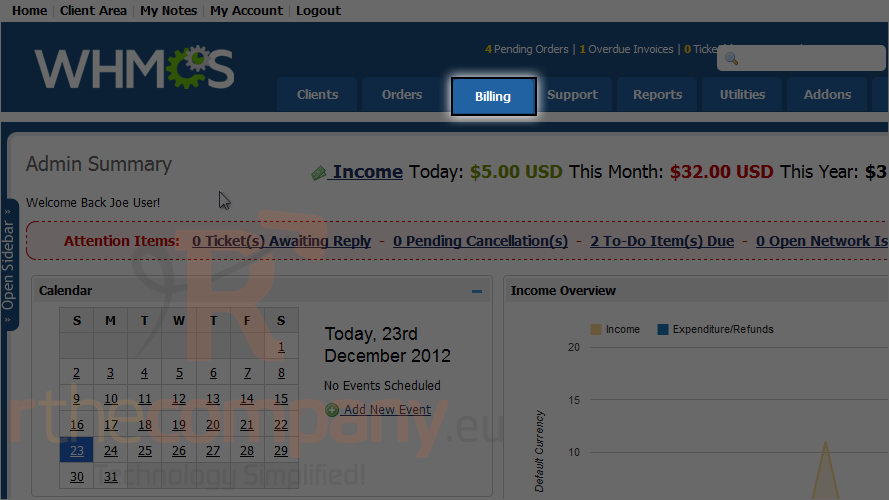
1) Go to billing.
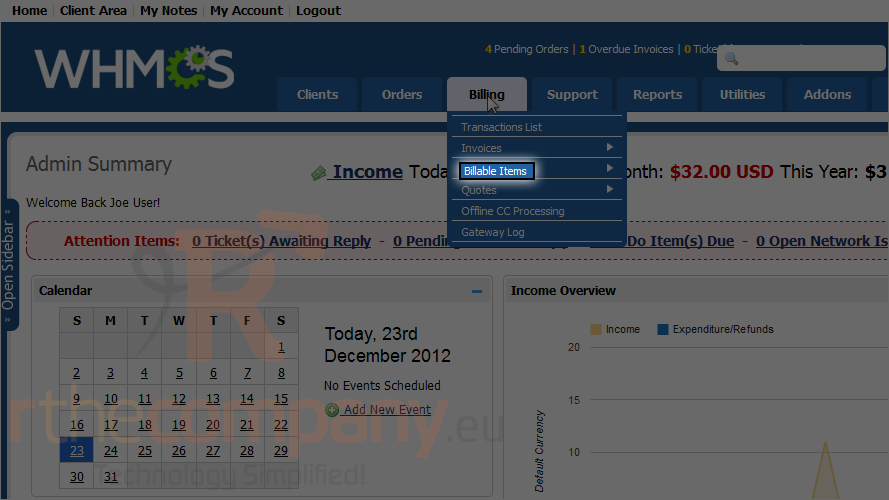
2) Mouse hover on billable items.
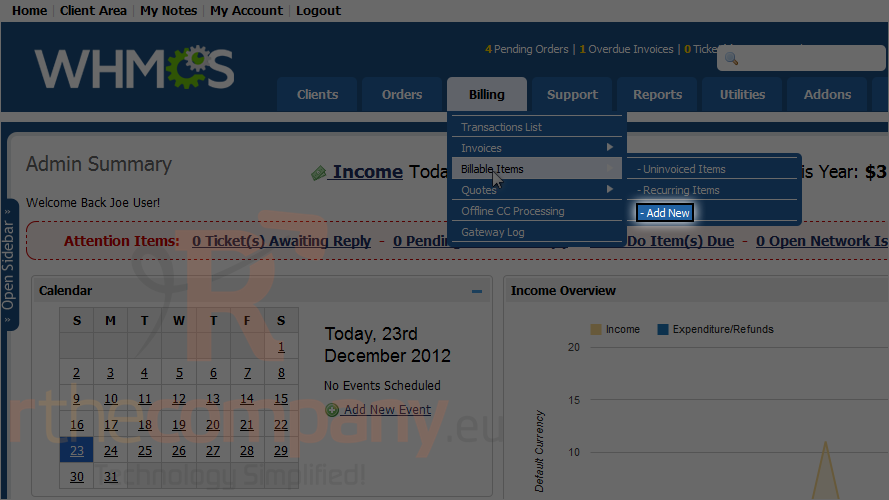
3) Click add new.
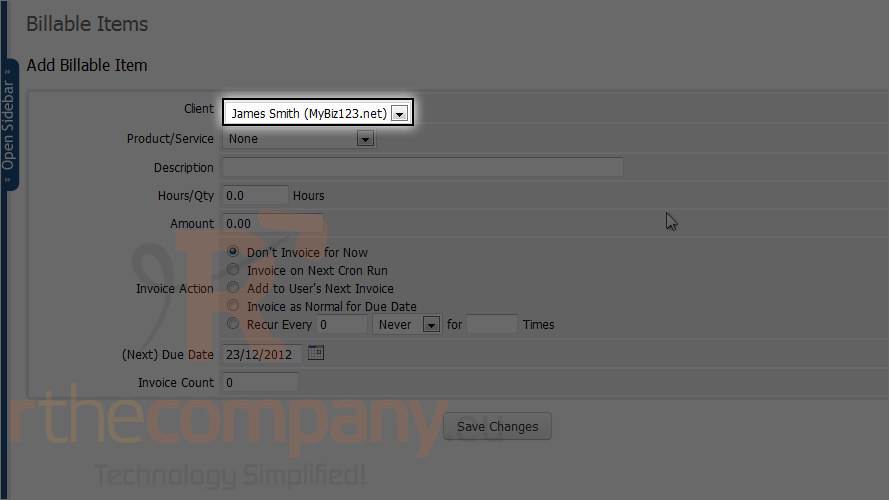
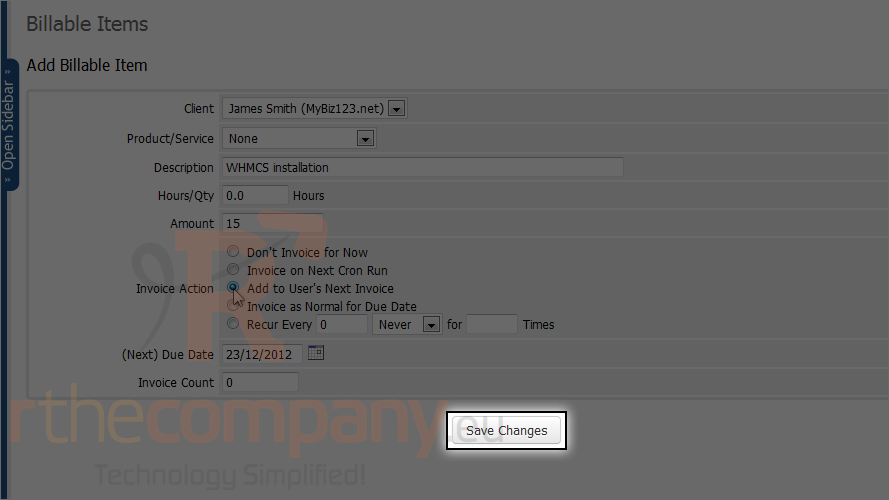
4) Select the client.
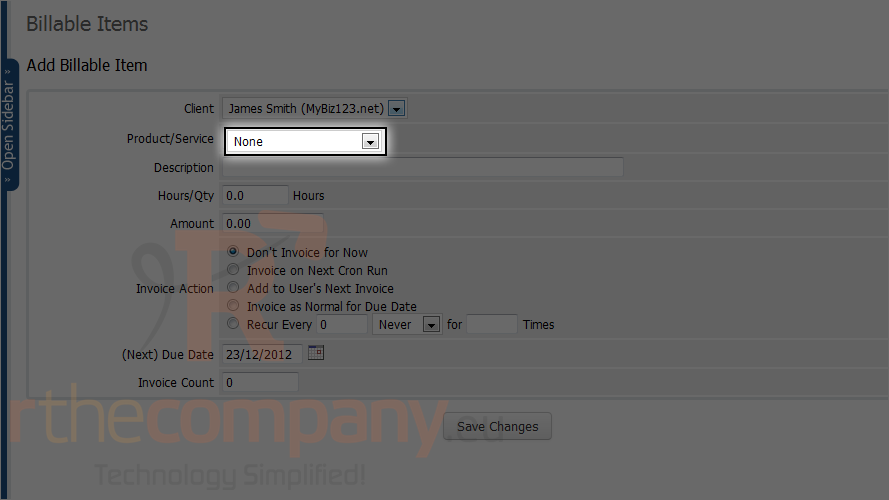
If you want to add a billable item related to a product or service choose it from this drop down or else continue to next option.
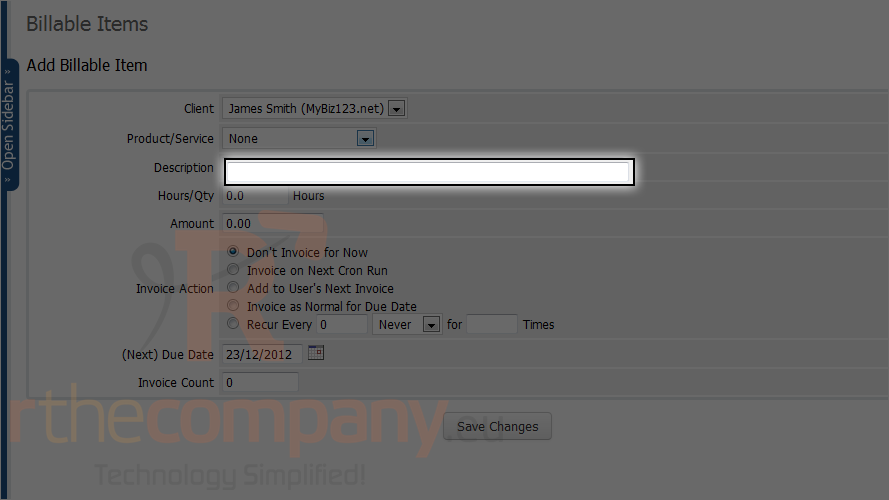
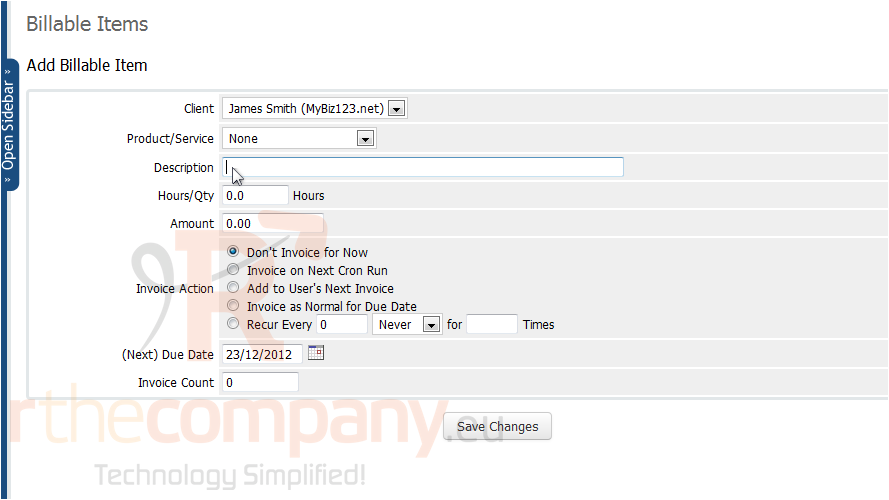
5) Enter a description.
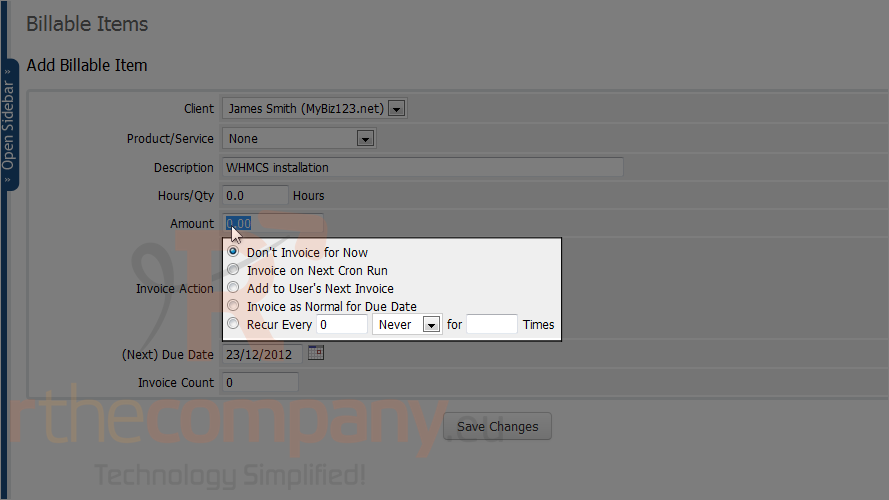
6) If you want to charge based on hourly rate, choose hours or just type amount.
7) Choose which invoice action to take.
8) Click save changes.
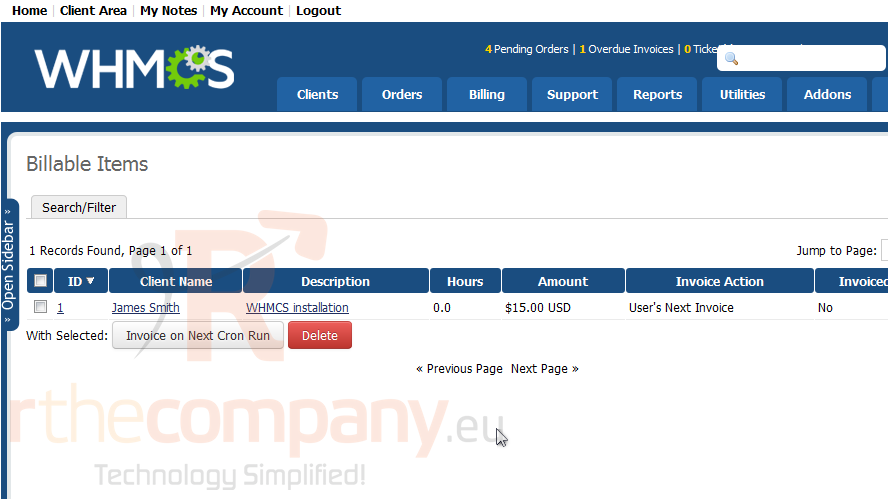
The client has now received a new billable item. It will show up on his next invoice.
You can edit or delete billable items using these buttons.
This is the end of the tutorial. You now know how to create a new billable item in WHMS.