Azerbaijan Hosting Provider > Məlumat bazası > WHMCS 5: Management > 12. How to open a new support ticket as an admin in WHMCS
12. How to open a new support ticket as an admin in WHMCS
This tutorial assumes you've already logged in to your WHMCS admin panel.
Sometimes, it might be useful to open up a support ticket as an admin to initiate communication with a client, instead of the inverse.
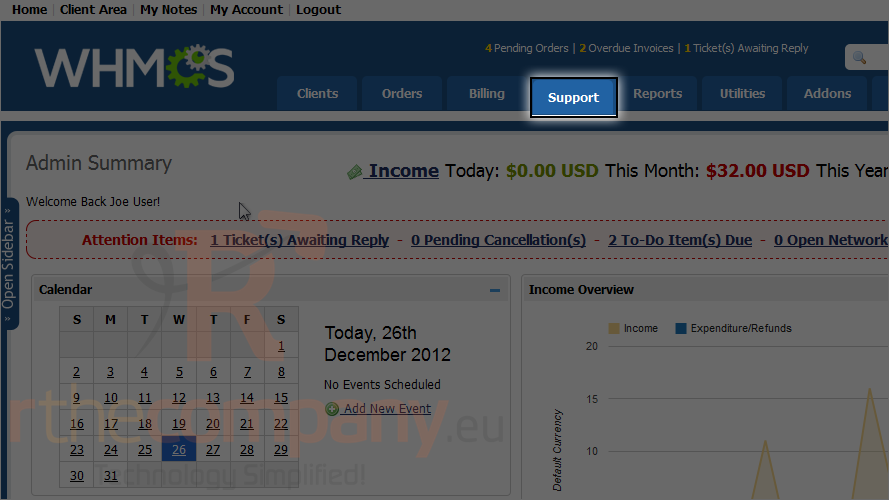
1) Go to support.
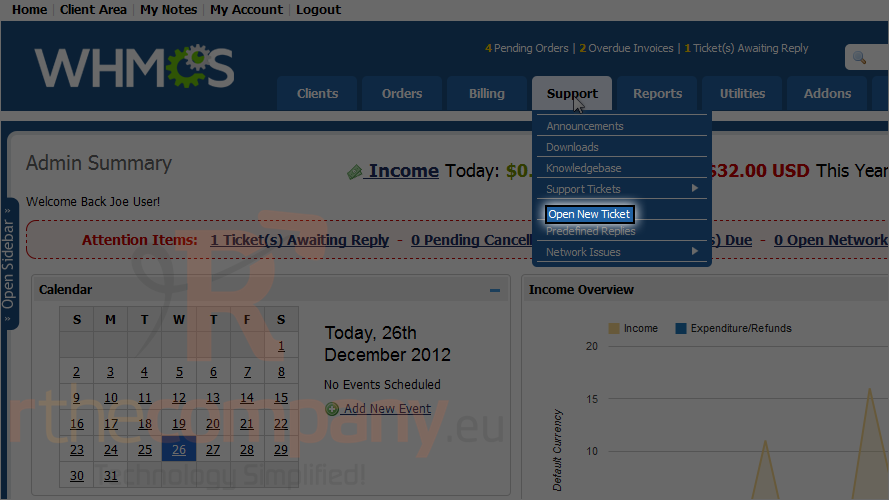
2) Click open new ticket.
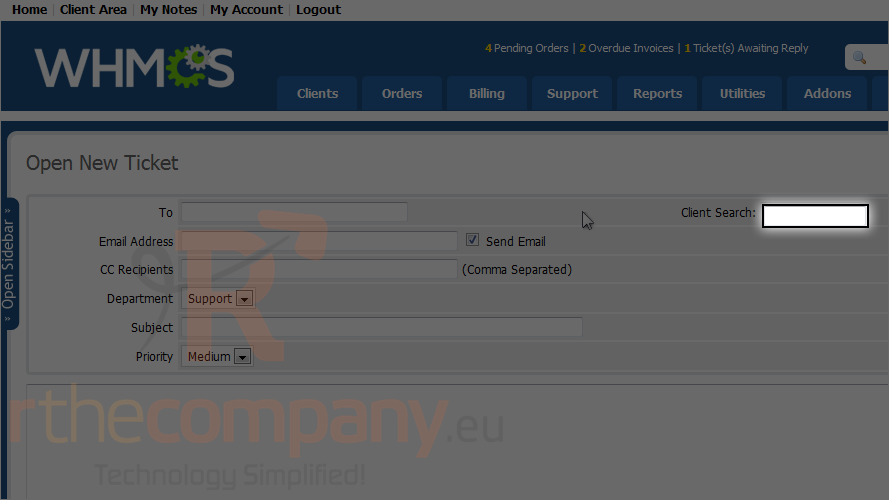
3) Specify to whom this ticket should be sent and their e-mail address, or just search, it will show you list if available, instant.
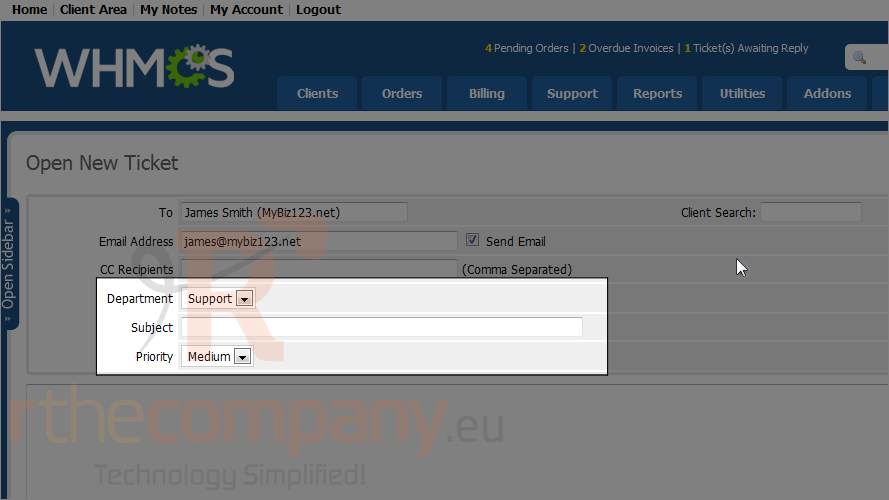
4) Choose a department, type a subject, then set the priority.
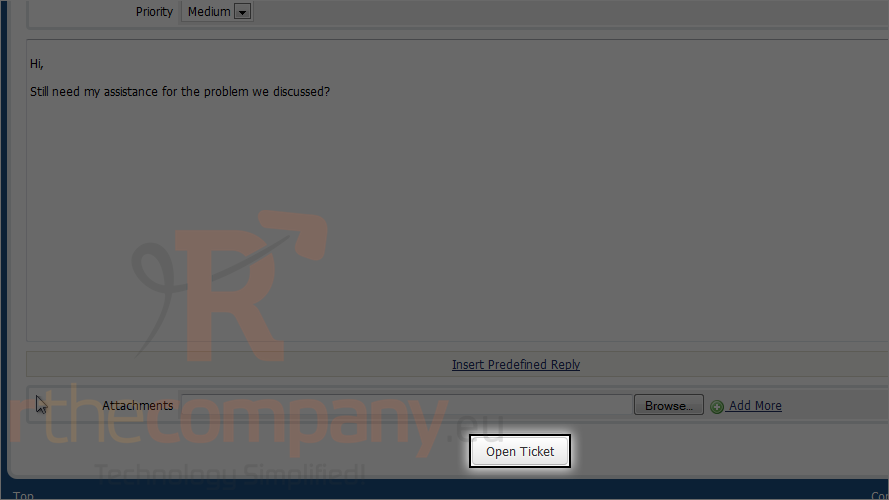
5) Click open ticket.
The support ticket has been created! For more details on support ticket, watch the previous tutorial.
This completes the demonstration. Now you know how to open a new support ticket as an administrator in WHMCS.
 Seçilmişlərə əlavə et
  Məqaləni çap et