Головна > База знань > WHMCS 5: Management > 13. How to report a network issue using WHMCS
13. How to report a network issue using WHMCS
This tutorial assumes you've already logged in to your WHMCS admin panel.
It is important to notify your clients of any server downtime or network outages, whether expected or unexpected.
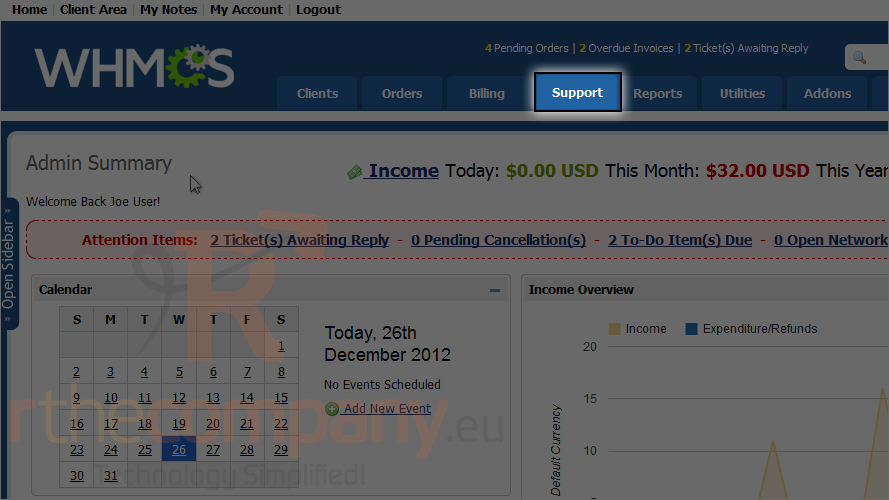
1) To report a network issue, go to support.
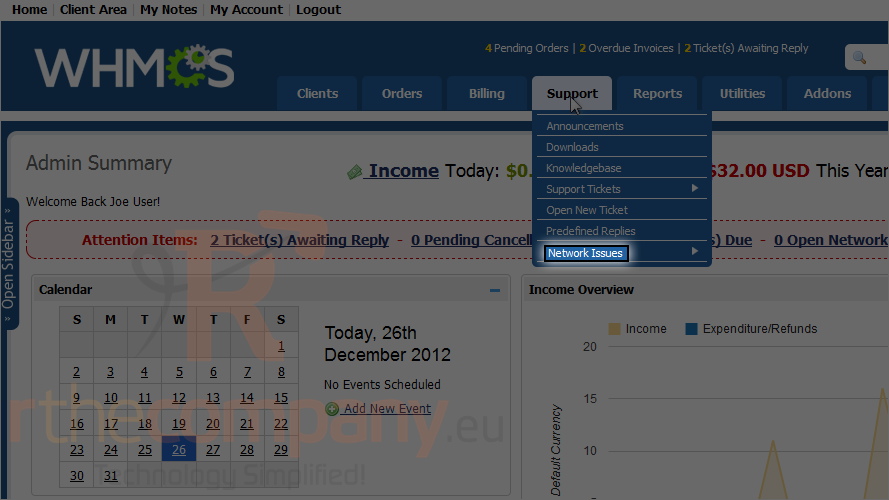
2) Mouse hover network issues.
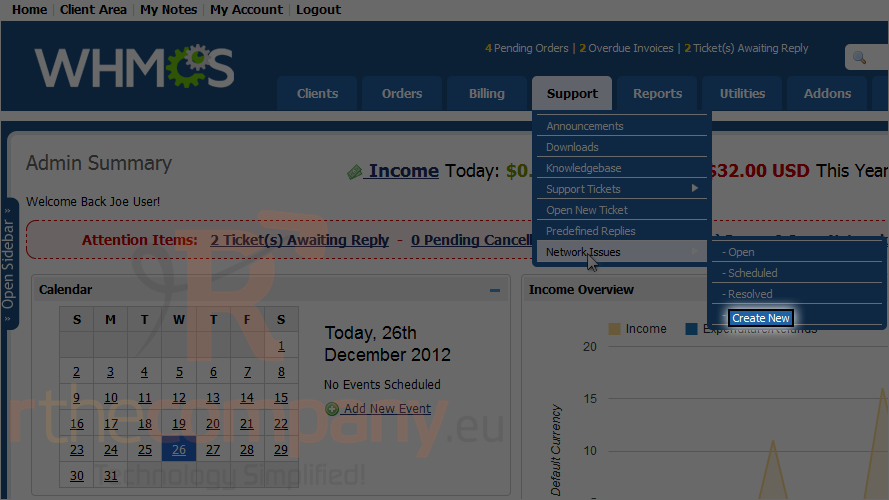
3) Now click create new.
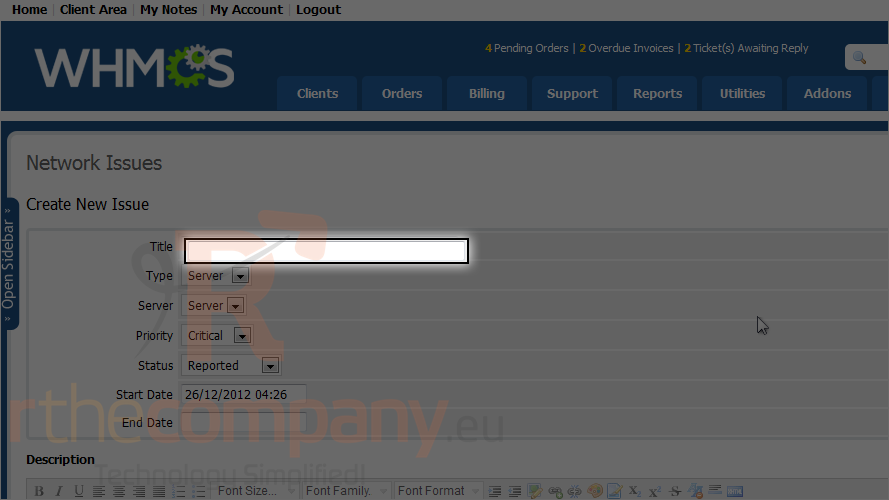
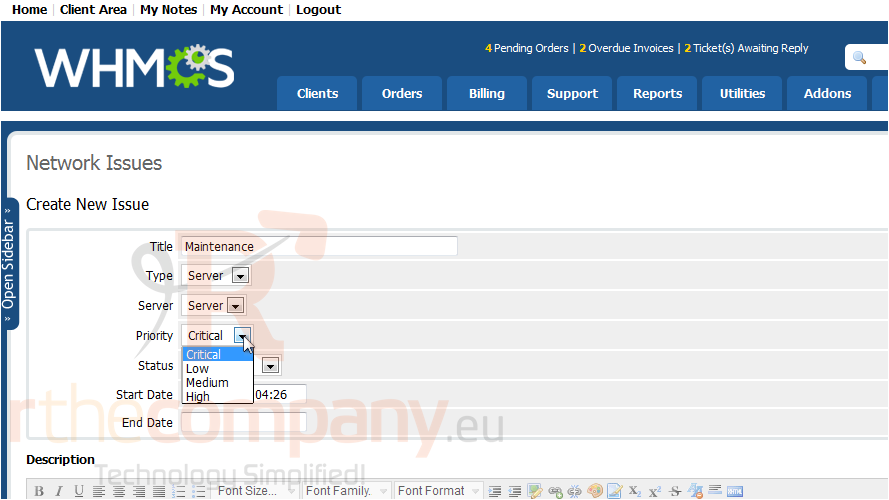
4) Give the network issue a title.
5) Specify the type, server, priority and status of the issue.
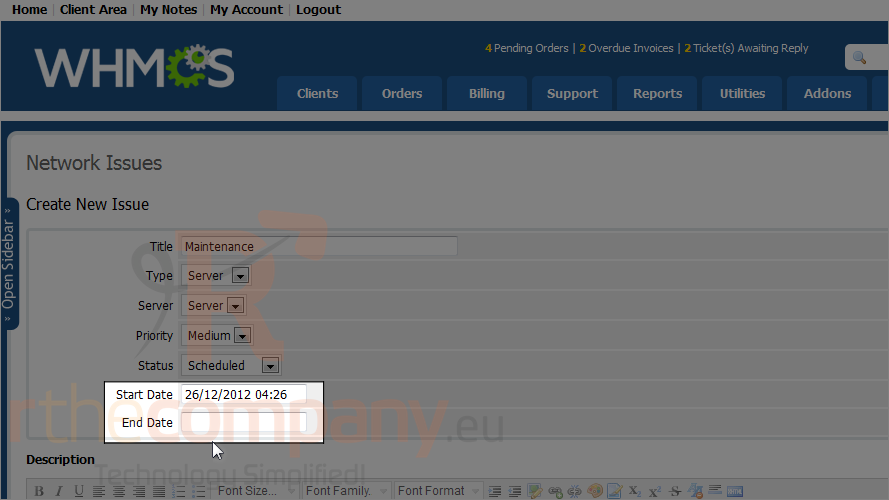
6) Choose a start and end date.
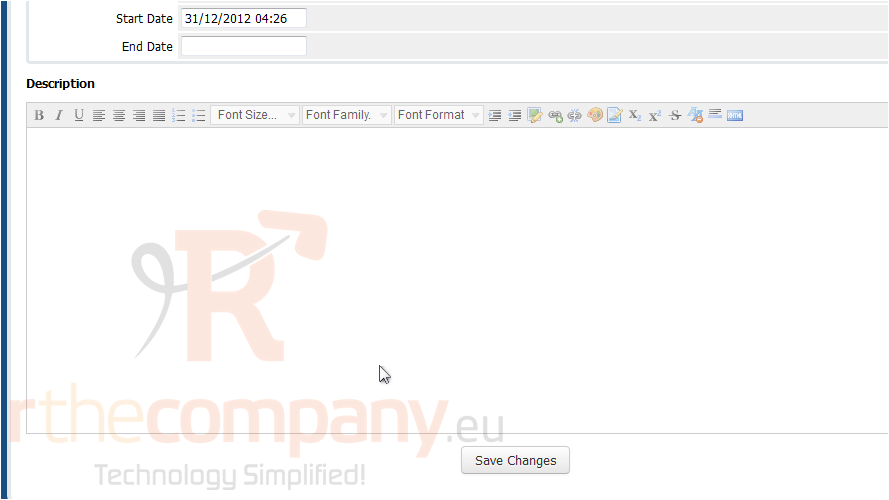
Now scroll down.
7) Type a description of the issue.
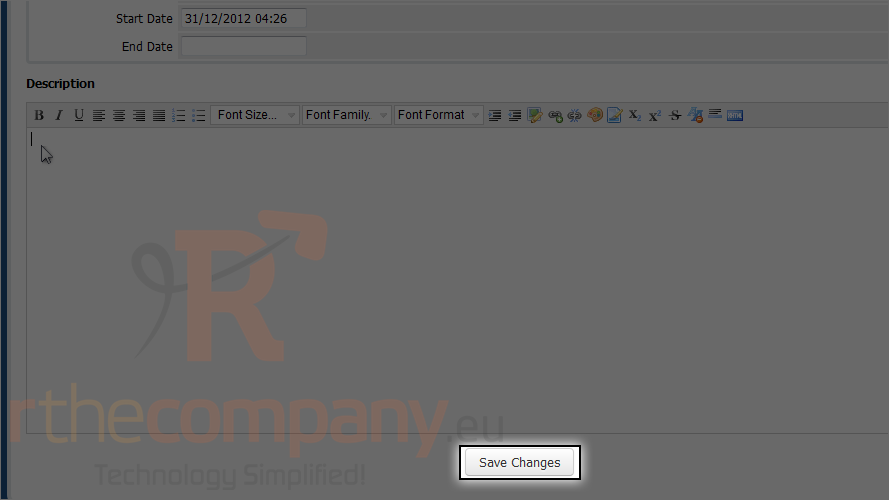
8) Then, click save changes.
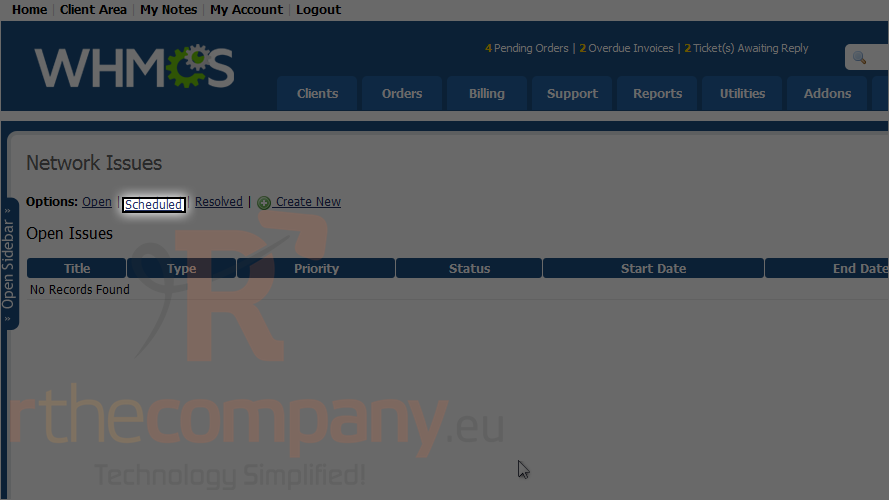
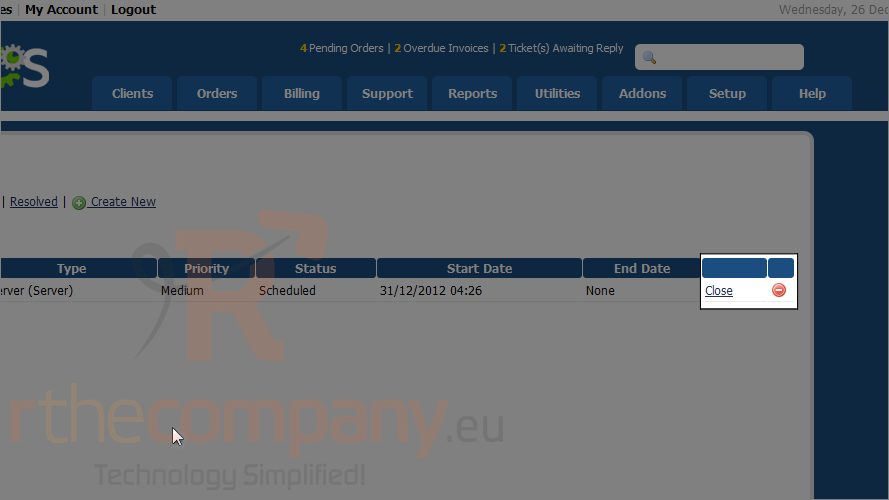
The default view is for open issues but the one we made is scheduled.
9) Click scheduled.
Network issues can be closed or deleted using these two links.
This is the end of the tutorial. You now know how to report a network issue using WHMCS.
 Додати до обраного
  Роздрукувати цю статтю