Ana Sayfa > Bilgi Bankası > WHMCS 5: Management > 14. How to manage predefined replies in WHMCS
14. How to manage predefined replies in WHMCS
This tutorial assumes you've already logged in to your WHMCS admin panel.
Now let's learn how to manage predefiend replies.
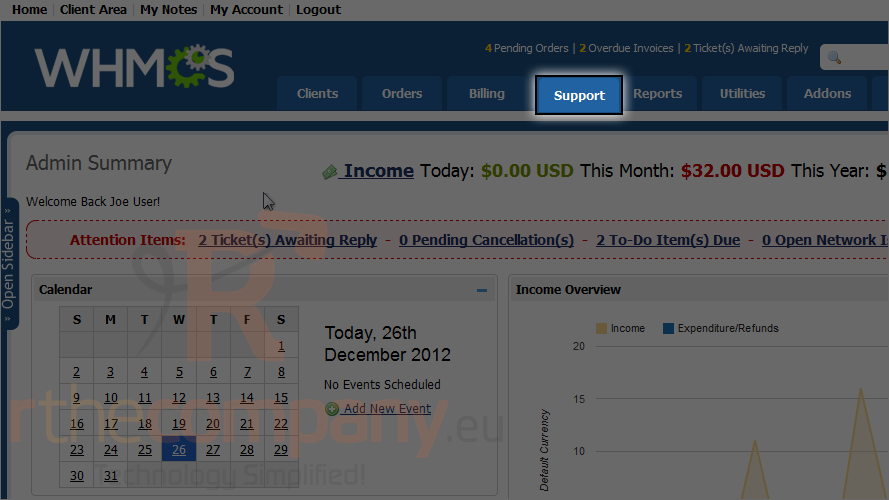
1) Go to the support menu.
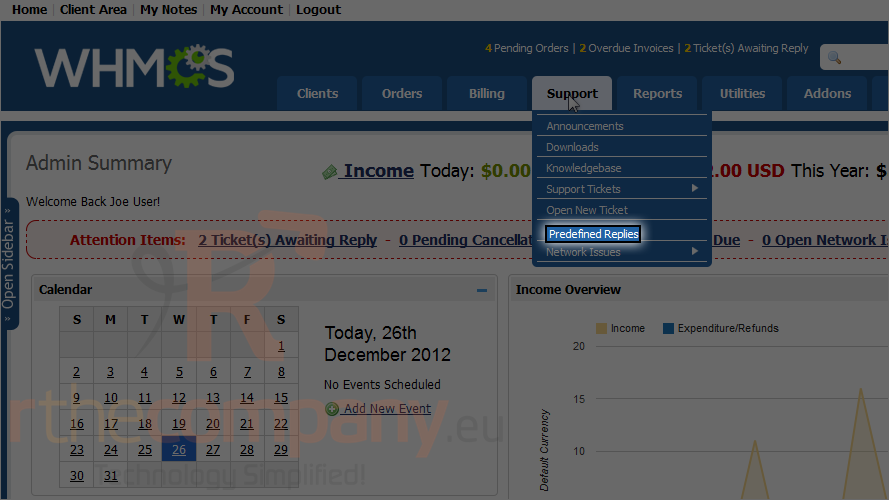
2) Click predefined replies.
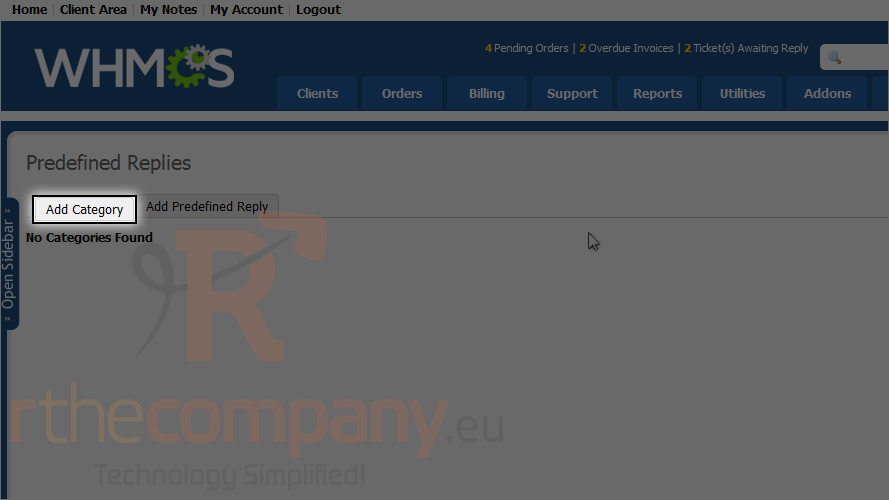
3) Click add category.
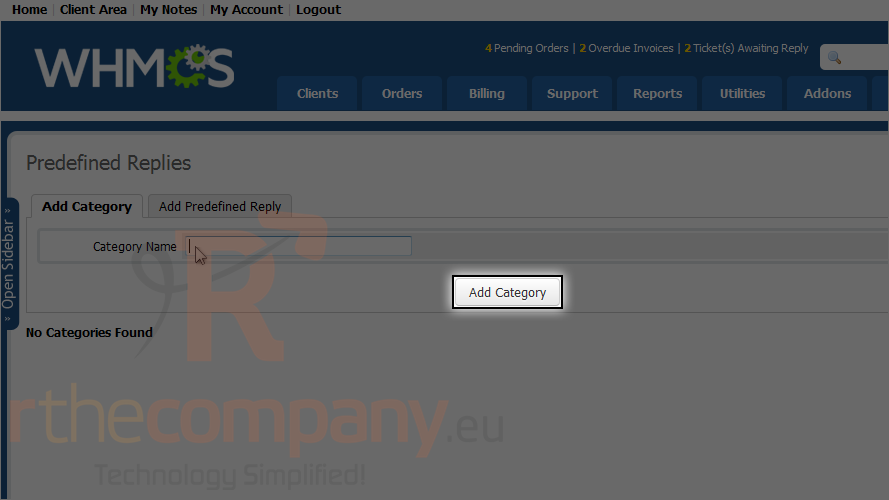
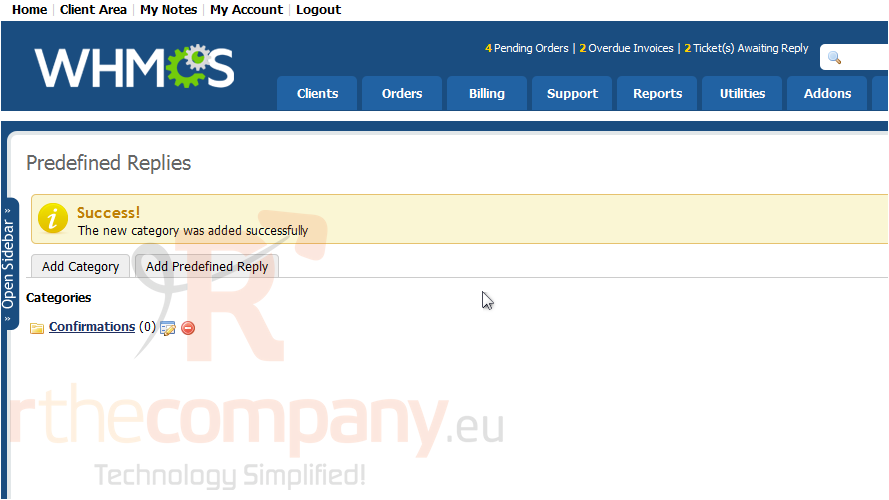
4) Type a category name and click add category.
5) Click the new category.
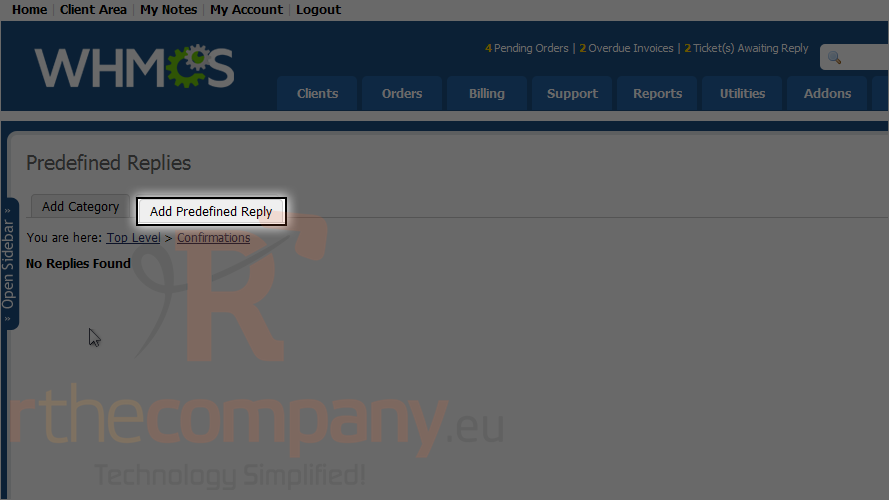
6) Click add predefined reply.
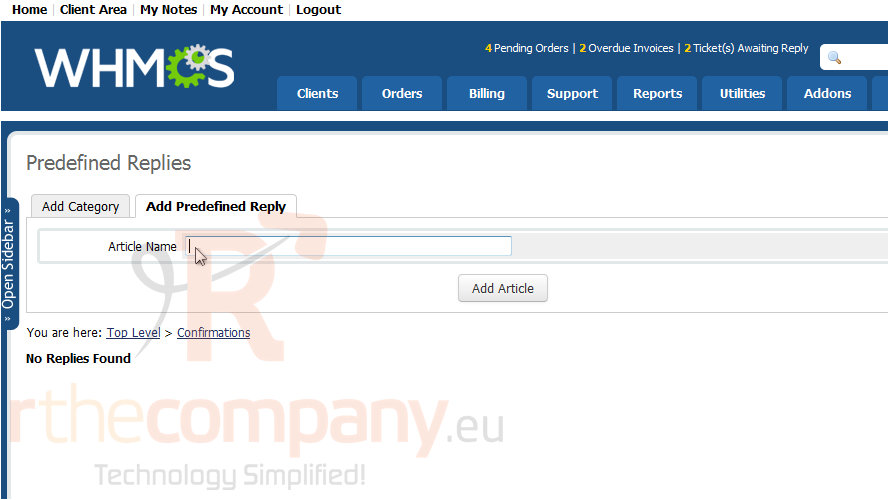
7) Type an article name and click add article.
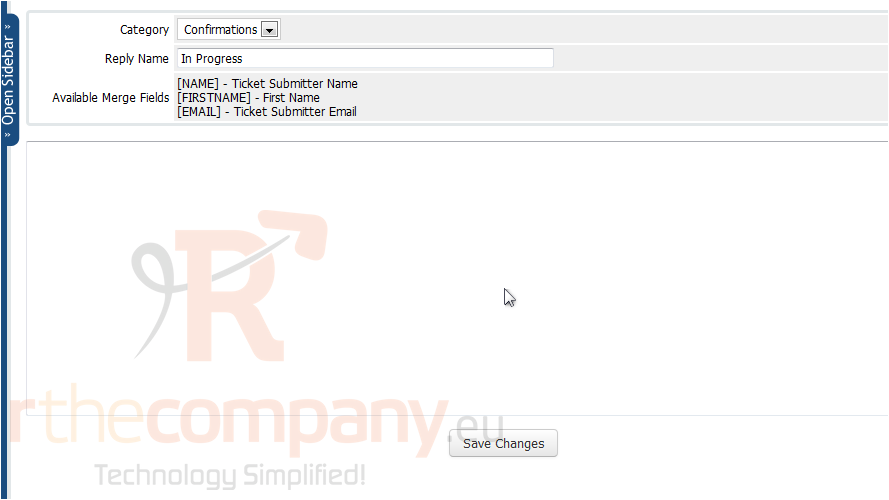
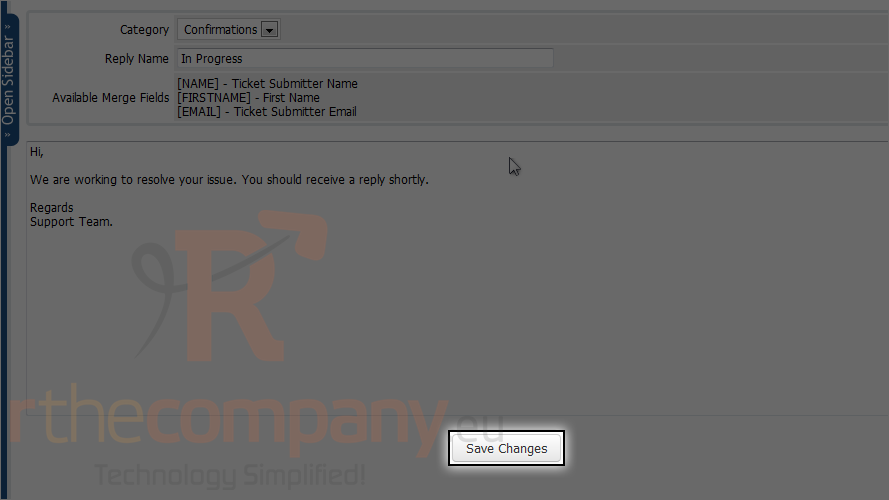
8) Enter the reply.
9) Click save changes.
This is end of the tutorial. Now you know how to manage predefined replies in WHMCS.
 Sık kullanılanlara ekle
  Bu dökümanı yazdır