Портал > База знаний > Manuals with graphics > ZenCart > 10. Installing ZenCart from Fantastico
10. Installing ZenCart from Fantastico
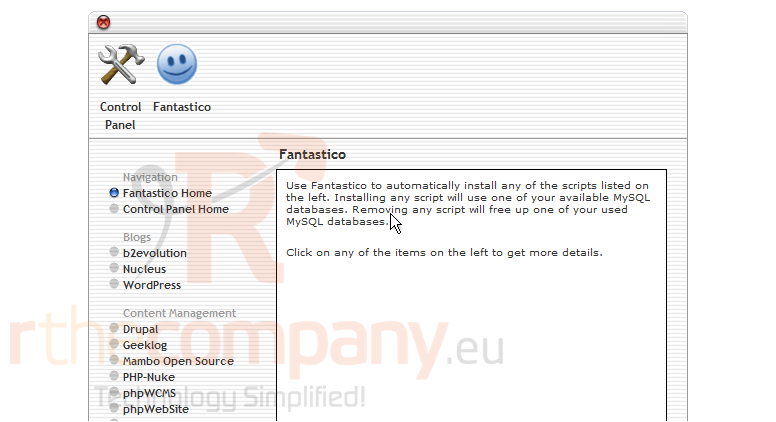
This tutorial assumes you've already logged in to cPanel and accessed the Fantastico section
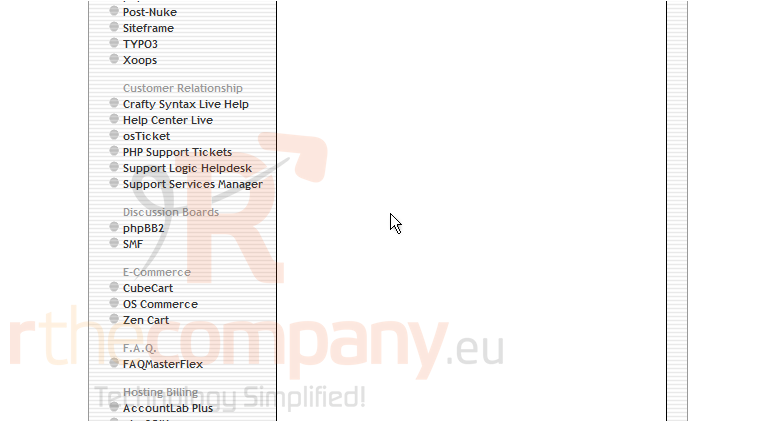
Now let's learn how to install Zen Cart from Fantastico. Scroll down
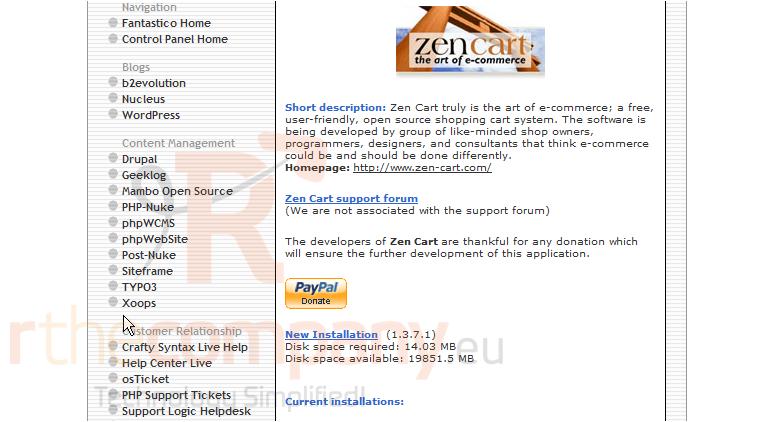
1) Click Zen Cart
2) Click New Installation
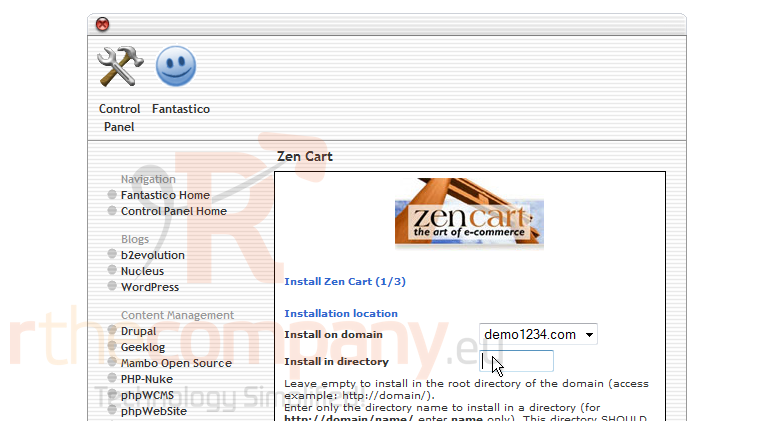
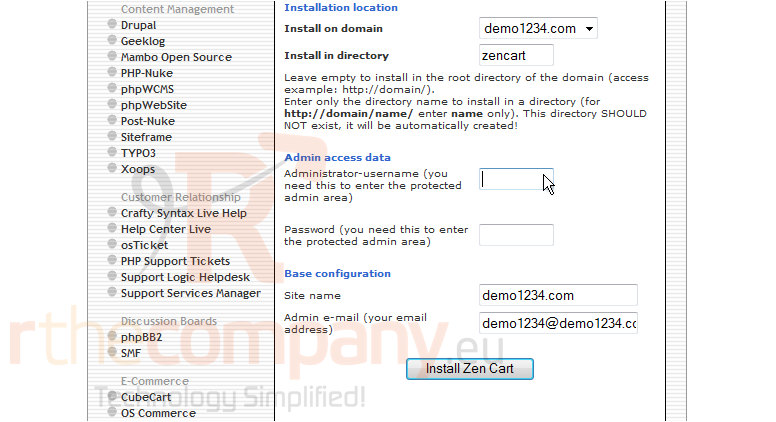
3) Enter an install directory here
4) Enter the Administrator username here
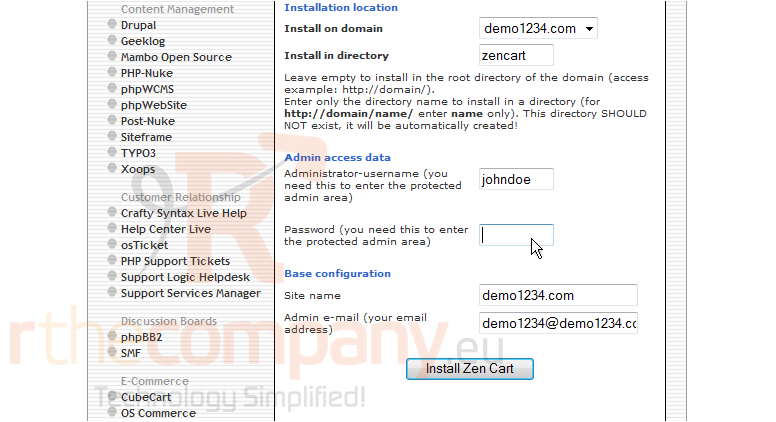
5) Enter the Administrator password here
6) Click Install Zen Cart
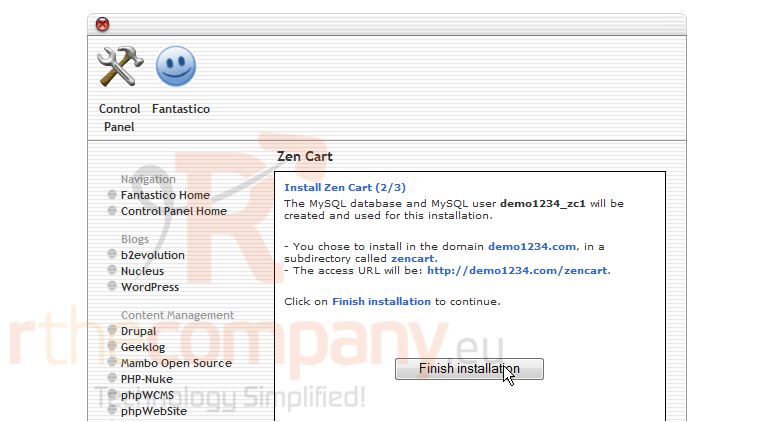
7) Click Finish installation
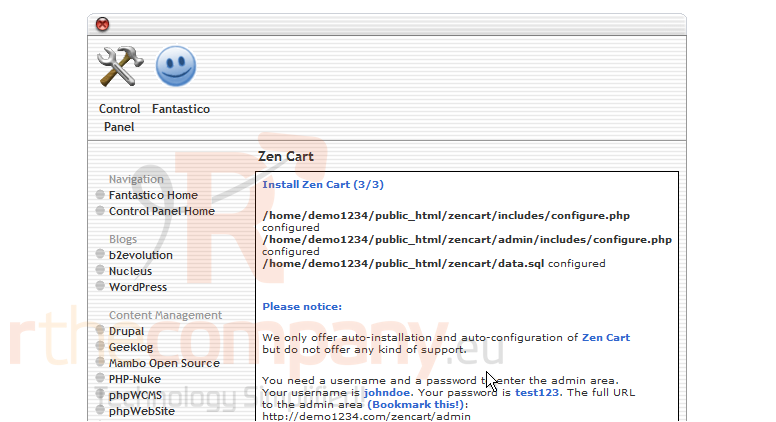
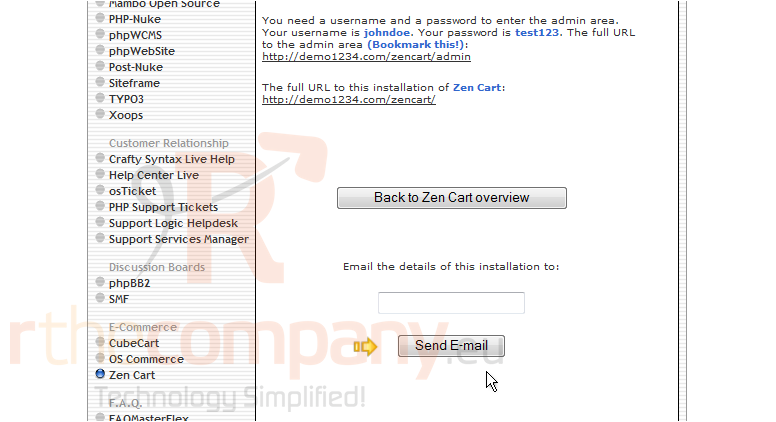
That's it! Zen Cart has now been installed from Fantastico. Scroll down
8) If you would like the details of the installation sent to an E-mail, enter an address and click here
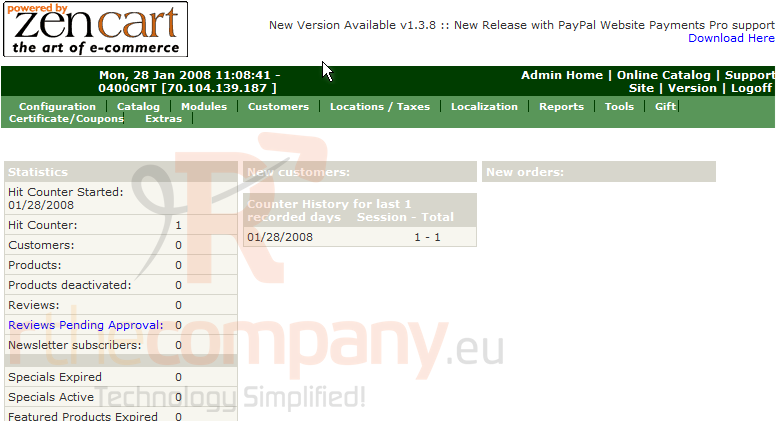
9) Click here to view the Admin Area of OS Commerce
10) This is the Zen Cart Admin Area where we can configure all the settings of the installation. Let's close this window
This is the end of the tutorial. You should now know how to install Zen Cart from Fantastico
 Добавить в избранное
  Распечатать статью