
15. How to change your PayPal notification preferences
This tutorial will show you how to edit your notification preferences in PayPal
1) Click the Edit Profile link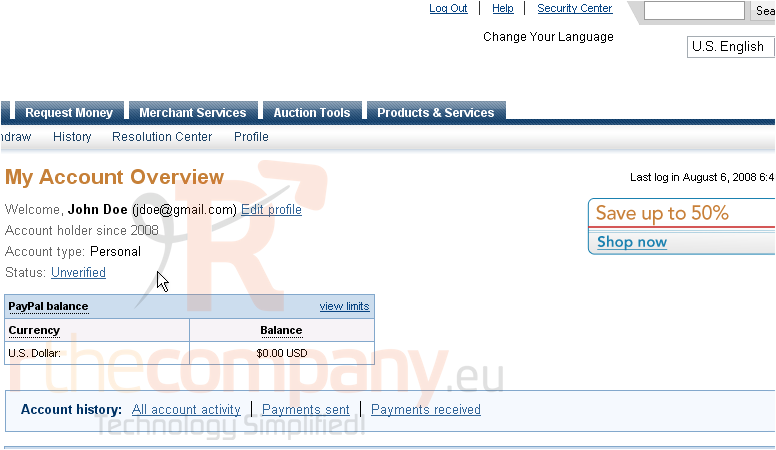
2) Click to edit your notifications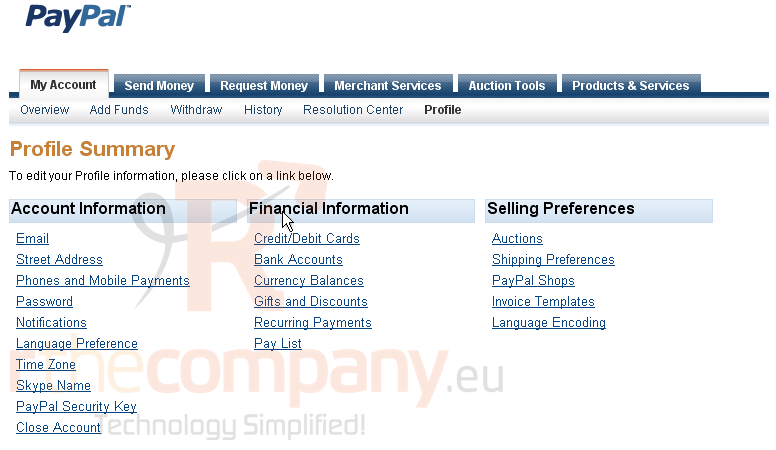
3) Check the box next to anything you would like to receive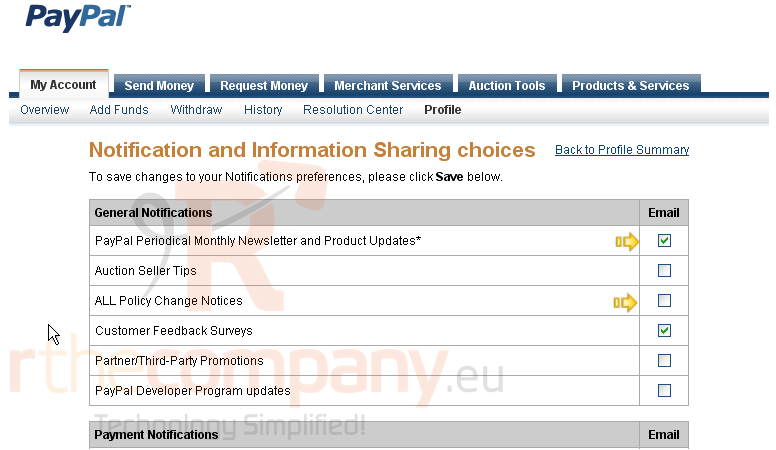
4) Uncheck the boxes for the items you don't wish to receive
You can edit the settings which PayPal will email you about
PayPal won't allow you to turn off notifications for account information changes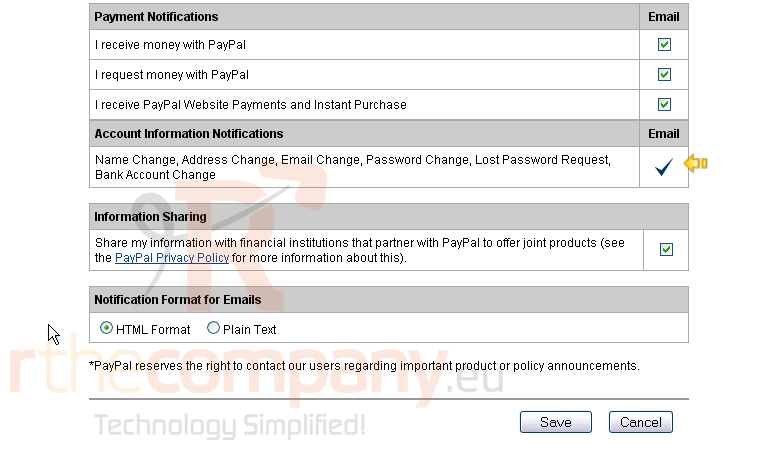
5) Click the Save button
This is the end of the tutorial. You now know how to edit your PayPal notification preferences