Portal Home > Knowledgebase > WHMCS 5: Management > 10. How to set up the WHMCS knowledgebase
10. How to set up the WHMCS knowledgebase
This tutorial assumes you've already logged in to your WHMCS admin panel.
Now let's learn how to set up the WHMCS knowledgebase.
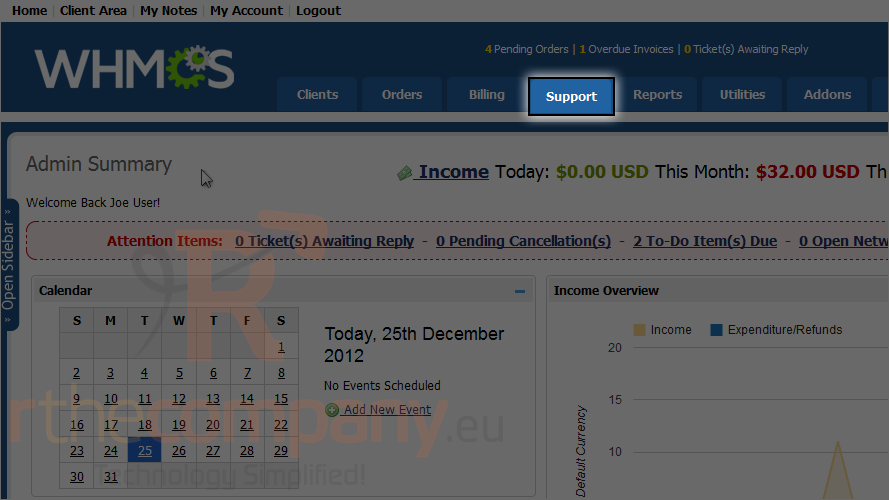
1) Go to the support menu.
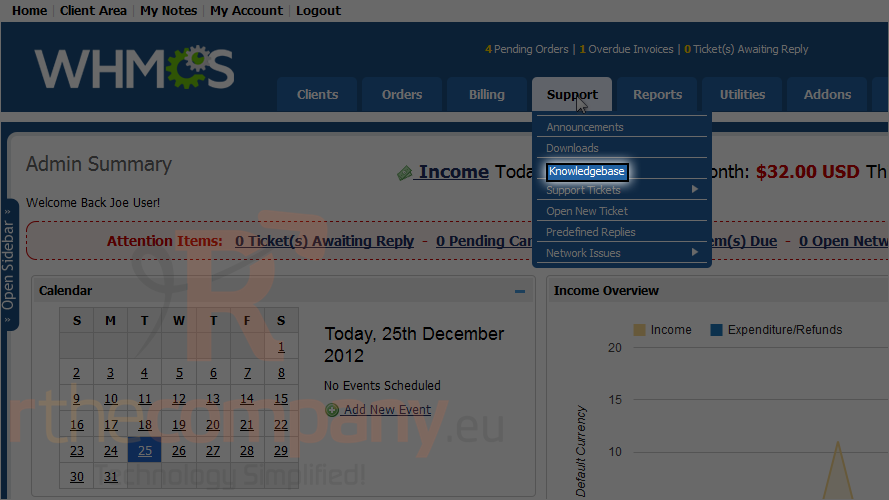
2) Click knowledgebase.
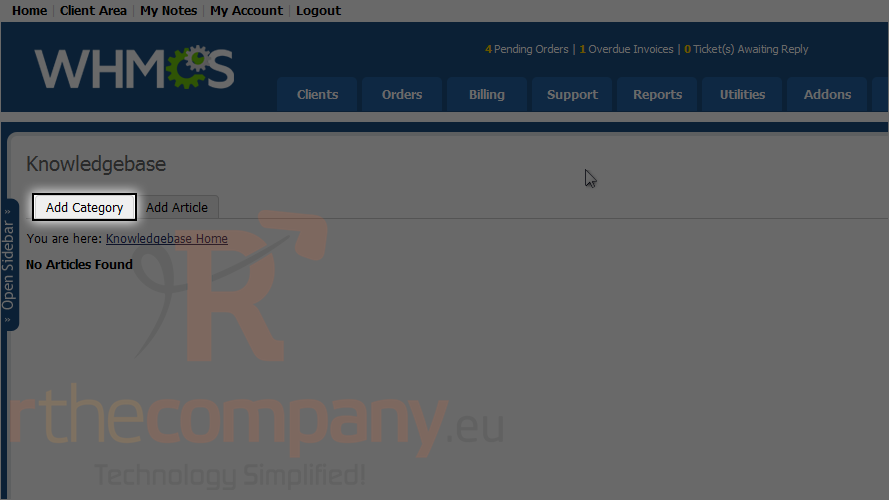
3) Click add category.
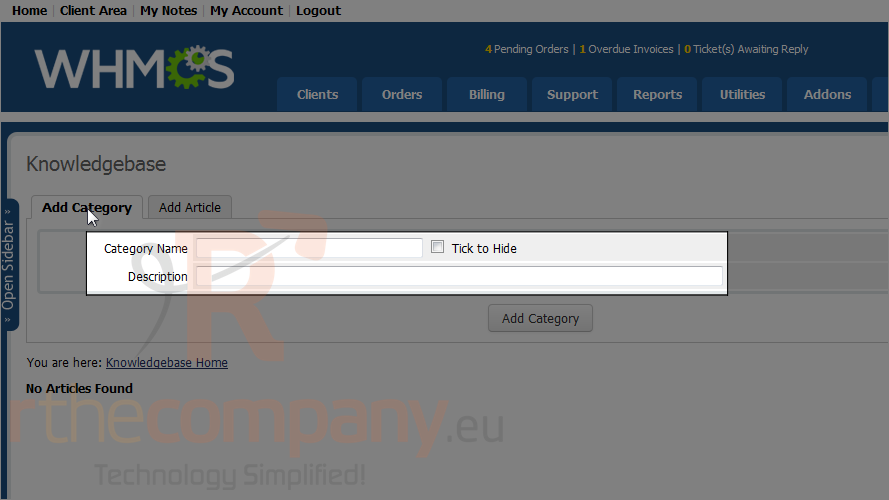
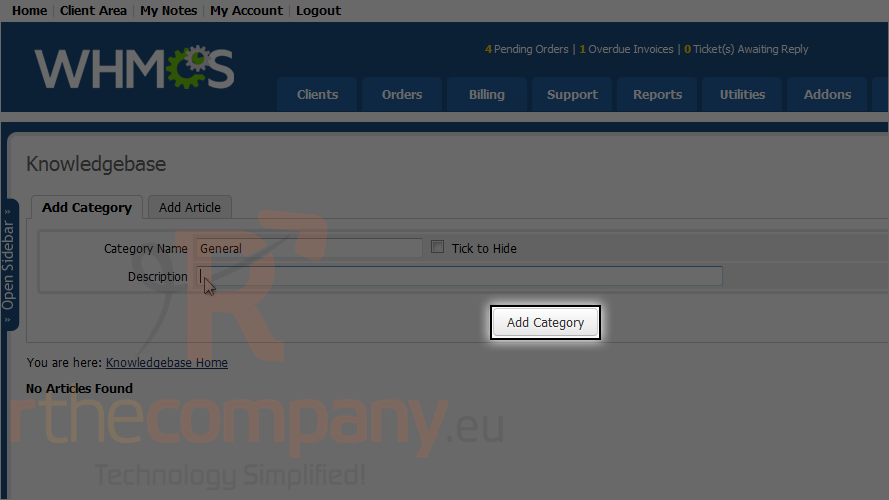
4) Enter a category name and description.
5) Click add category.
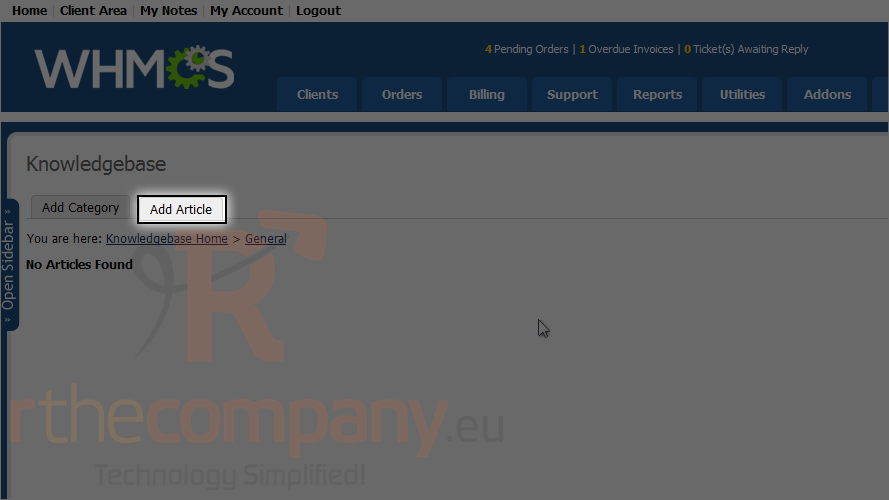
6) Now click add article.
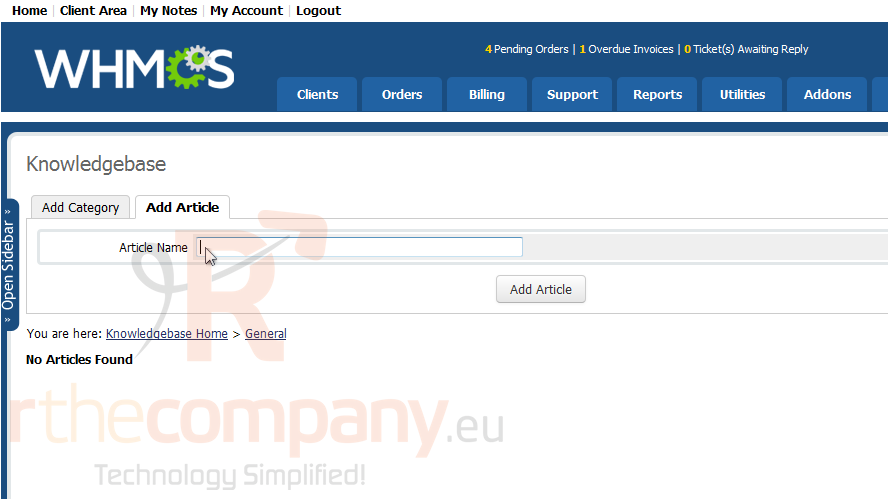
7) Type a name for the article and click add article.
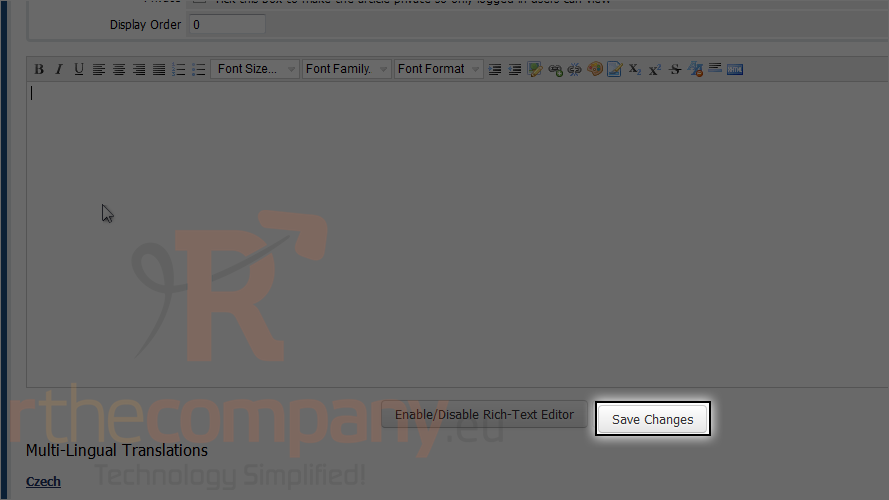
8) Click save changes.
That's it! You now know how to set up the knowledgebase in WHMCS.
 Add to Favourites
  Print this Article